





Free CR3 online: the flight computer with a step-by-step tutorial
This CR3 online simulates the CR3 (CR-3) circular air navigation computer in your browser. Turn its discs, draw lines and solve PPL wind problems with a step-by-step tutorial on the instrument itself. It is free, works on mobile and needs no install.
What is the CR3?
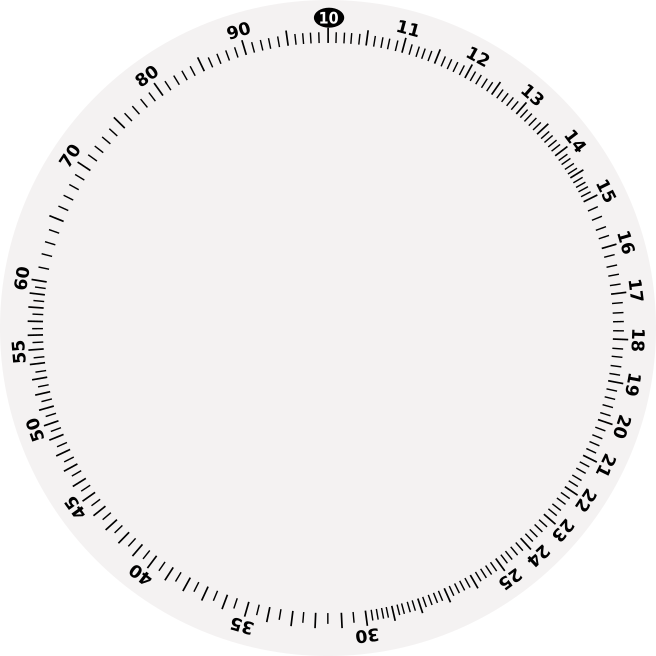
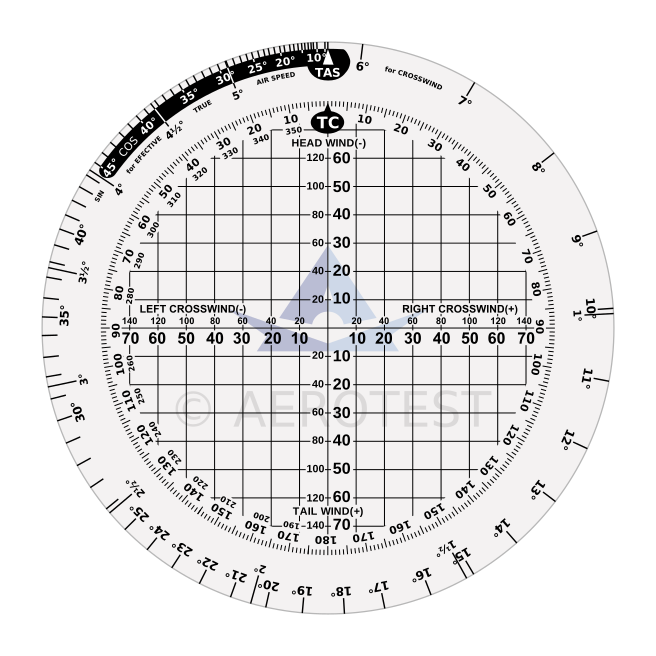
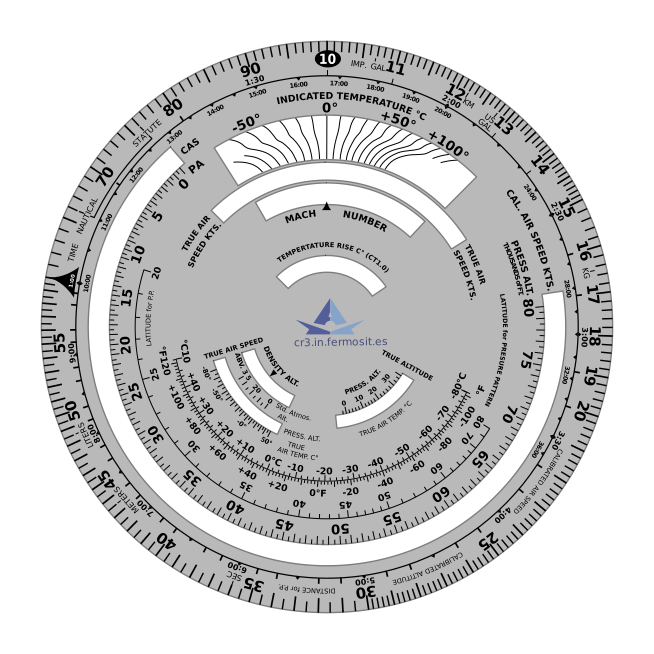
The CR3 is a two-sided circular flight computer. The calculator side is a circular slide rule for speed, time, distance, fuel consumption and unit conversions. The wind side solves the wind triangle with rotating discs: it splits the wind into crosswind and headwind or tailwind, finds the drift and the effective TAS (ETAS) and from there the groundspeed (GS).
What it works out step by step
- Wind (W/V) from heading, track, TAS and GS.
- Heading, GS and drift from track, TAS and wind: the usual flight-planning problem.
- Track, GS and drift from heading, TAS and wind.
- Track, TAS and drift from heading, GS and wind.
- Headwind and crosswind from the runway and the wind: to compare with your aircraft's maximum crosswind.
Every exercise comes with its explanation: the steps on the CR3 discs, which move into place on their own. The mathematical solution of the triangle, with the sine and cosine rules, is in Vectors, with the same data. The calculator side (Computer) works things out too, and shows how on the rule: speed, time and distance, rate of climb, fuel flow and endurance, unit and fuel weight conversions, TAS, density altitude, true altitude, and multiplication, division and ratios.
How to use the CR3 online
- Open the functions and choose the wind problem you want to solve.
- Enter what you know (heading, track, TAS, GS or wind) and press Calculate.
- Open the explanation and go step by step: the discs move into place and the scale to read is highlighted.
- Do it again by hand with the rotate and drawing tools until you no longer need the help.
CR3, CRP-5 and E6B
All three solve the same navigation problems. The CR3 uses circular discs. The CRP-5 and the E6B use a wheel that turns over a sliding grid. If your school uses the CRP-5, practise with the CRP-5 / E6B online.
Frequently asked questions
What is the CR3?
The CR3 is a two-sided circular flight computer. One side is a slide rule for speed, time, distance, fuel and conversions. The other solves the wind triangle with rotating discs.
Which exercises does it explain step by step?
The five wind problems: wind (W/V), heading/GS/drift, track/GS/drift, track/TAS/drift and headwind and crosswind on a runway. Each comes with step-by-step guidance on the discs. So does the calculator side: speed, time and distance, rate of climb, fuel, unit conversions, TAS, density altitude, true altitude and multiplication and division.
Is the online CR3 free?
Yes. It runs in the browser on desktop and mobile, with no sign-up or install.
How does the CR3 differ from the CRP-5 or the E6B?
They solve the same problems. The CR3 uses circular discs. The CRP-5 and the E6B use a wheel that turns over a sliding grid. AerotestPPL also has the CRP-5 wind side online.
Is a CRP-5 (or an E6B) better than a CR3?
They are very similar: both solve the same problems with similar accuracy. The differences: the CRP-5 solves the wind more simply and quickly, because it needs no ETAS correction and no repeated rounds. The CR3 gives you the crosswind and the headwind directly, on a runway for example. What matters most is practising with the one your school uses. You can also practise with the CRP-5 online.
Once you are comfortable with the CR3, practise the navigation questions of the private pilot theory exam on AerotestPPL. Versión en español.